Guides — 10-Minute Offline Quickstart
This guide gets a full pipeline running in about ten minutes with no API keys and no network. It uses the deterministic fake provider, so install and run are credential-free and reproducible.
Every command below exists on the real CLI — the CLI reference is generated from the app itself, so it cannot drift from this page.
0. Install (uv)
Install uv if you have not already, then install Knovaryn in a virtualenv:
cd knovaryn
uv sync --extra dev            # lean core + dev tooling (no heavy ML extras)
The uv sync creates .venv. Prepend commands with uv run (or activate the
venv and drop the prefix). You do not need docling, docetl, litellm,
or any model extra for the offline demo.
1. Doctor
Check the environment, config, storage, and provider wiring:
uv run knovaryn doctor
This verifies the profile, installed extras, and state directory, and reports anything misconfigured before you spend time. Fix warnings before continuing.
2. Run the bundled offline demo
Run the end-to-end demo to confirm the whole loop works on your machine:
uv run knovaryn demo --examples 20 --json
It creates a throwaway project, ingests bundled sample documents, generates on the fake provider, validates, versions, and exports — the same loop you now drive by hand.
3. Drive the CLI yourself
Now the same pipeline, command by command.
Create a project
uv run knovaryn project create quickstart \
  --name "Quickstart Dataset" \
  --description "10-minute walkthrough"
Note the project handle (proj_…) in the output — every later command takes
it.
Add a permitted source
uv run knovaryn source add <proj_handle> ./handbook.md \
  --license CC0 --privacy public
The source is preflighted (SHA-256, size, license, privacy classification) as untrusted input. Inspect what was ingested:
uv run knovaryn source list <proj_handle>
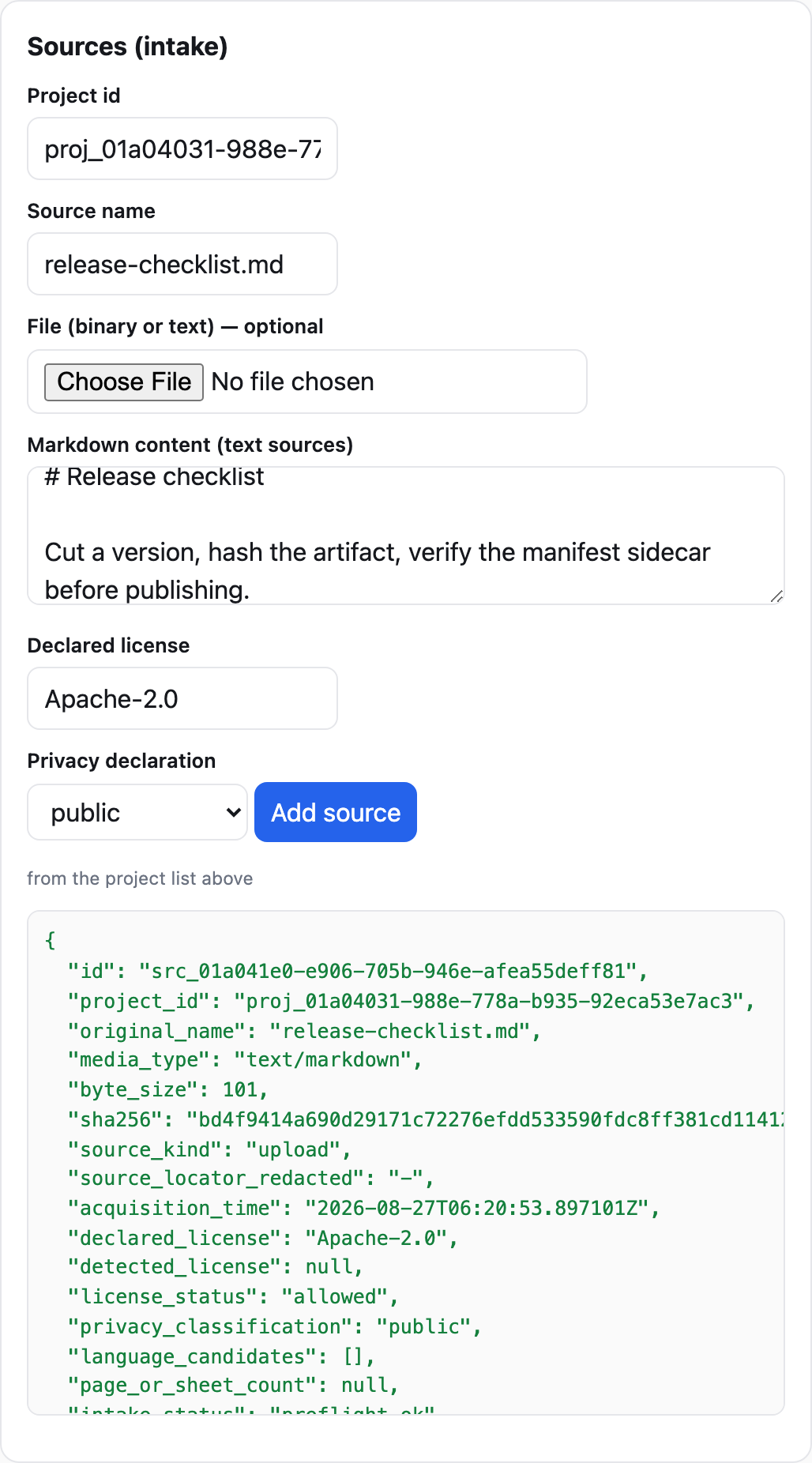 The same intake in the console's Sources panel — the preflight fields map
one-to-one to the
The same intake in the console's Sources panel — the preflight fields map
one-to-one to the source add flags.
Run generation
Nothing is spent until you ask for generation. The dry-run cost estimate
is available over MCP (knovaryn_estimate_run) and REST; on the CLI,
run starts the pipeline and enforces your spend cap:
uv run knovaryn run \
  --project <proj_handle> \
  --target 50 \
  --budget-usd 0
With the fake provider nothing can spend anyway; with real providers
--budget-usd is a hard cap. The job runs through the durable job engine
(leased worker, checkpoints, budgets) — watch it:
uv run knovaryn job list --project <proj_handle>
uv run knovaryn job status <job_handle>
Review with evidence
Example handles (ex_…) appear in validation output and in the REST/MCP
listings. Record a review decision as an immutable revision:
uv run knovaryn review <ex_handle> approve \
  --reviewer alice --note "grounded in section 2"
Validate, version, export
uv run knovaryn dataset validate <proj_handle>
uv run knovaryn dataset version <proj_handle> --set 1.0.0
uv run knovaryn dataset export <proj_handle> \
  --format openai_chat --out ./export
One canonical dataset version, exported per format id (trl_sft,
trl_preference, kto, sharegpt, alpaca, openai_chat,
huggingface_layout, evaluation, jsonl, parquet — the generated table in
the exporter reference is authoritative). Repeat
dataset export with another --format for additional trainer layouts.
What you just did
permitted document → preflight → generation on the fake provider → validated, reviewed examples with evidence → one versioned dataset exported to a trainer-ready format. And it ran entirely offline.
The same loop also runs in a browser: knovaryn server serves a local web
console with the same controls.
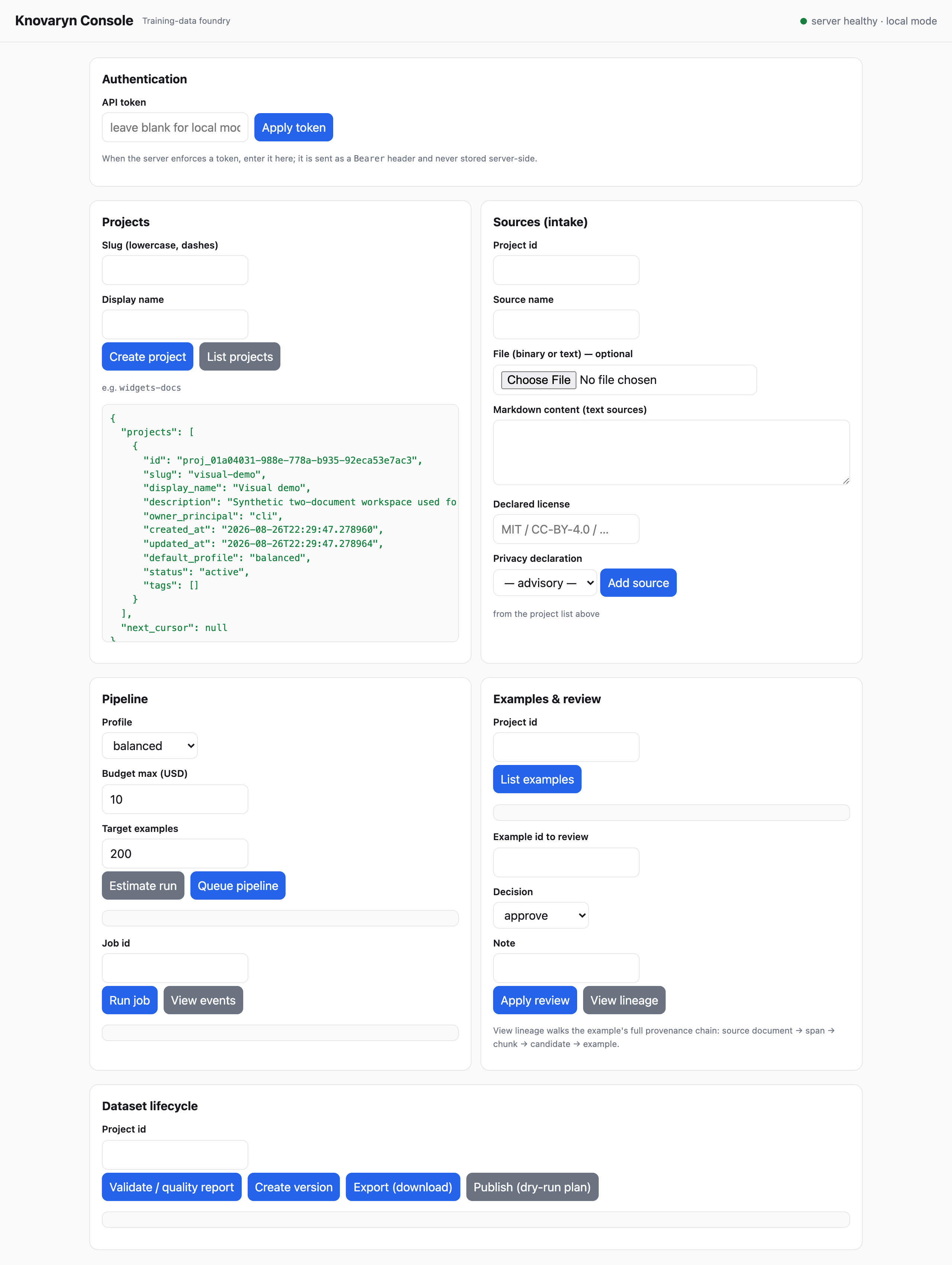 The console served by
 knovaryn server — every section drives the same REST
control plane used in this guide.
The console adapts to the device and theme you already have — no settings of its own:
 375 px viewport: panels stack in one column; nothing is clipped or
collapsed away.
375 px viewport: panels stack in one column; nothing is clipped or
collapsed away.
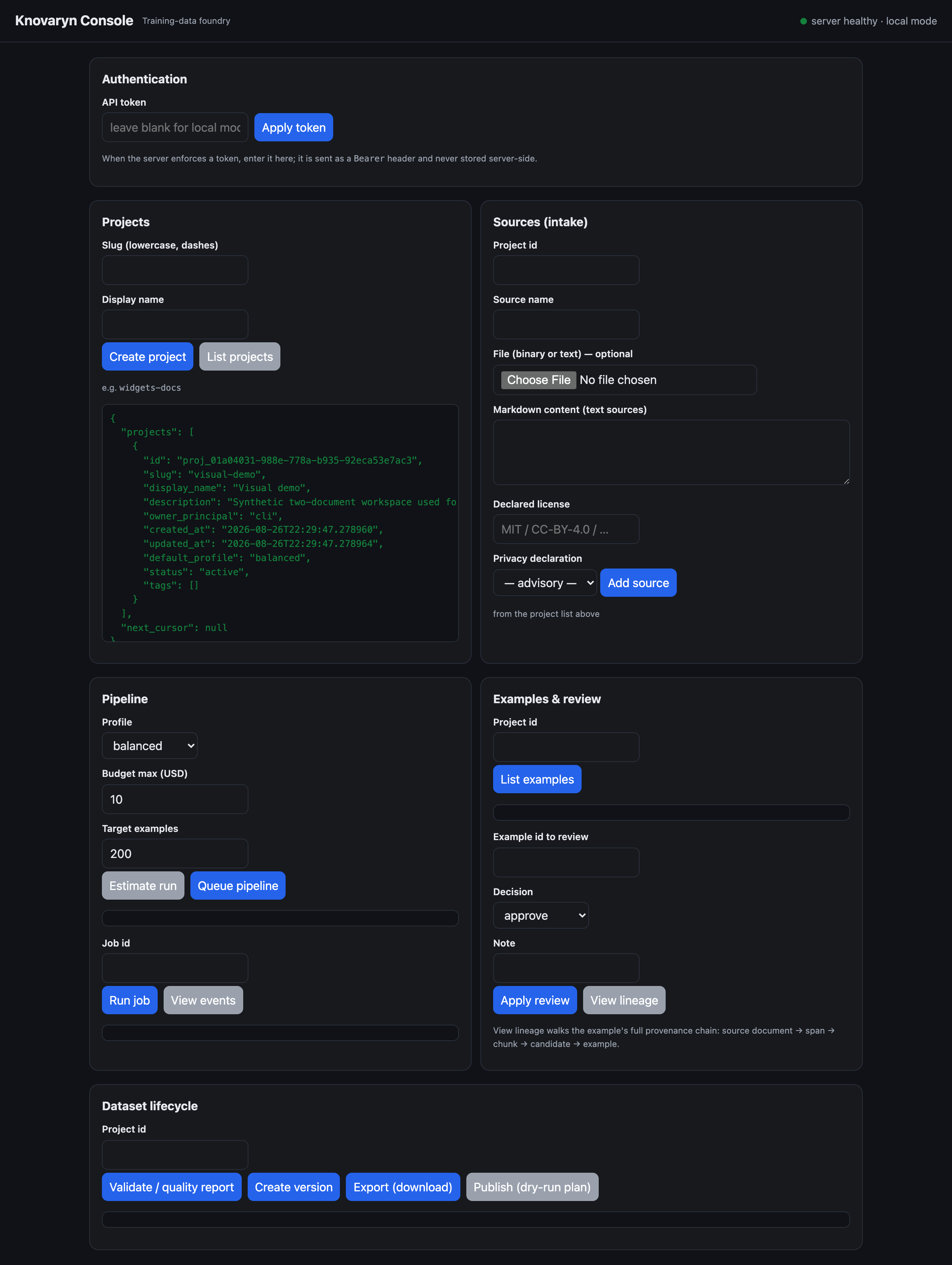 Dark scheme (
prefers-color-scheme: dark): the same console, ink surfaces
and brightened accents.
Next
- Run the same loop through an MCP client: MCP clients.
- Start a real project with a local model provider: first real project.